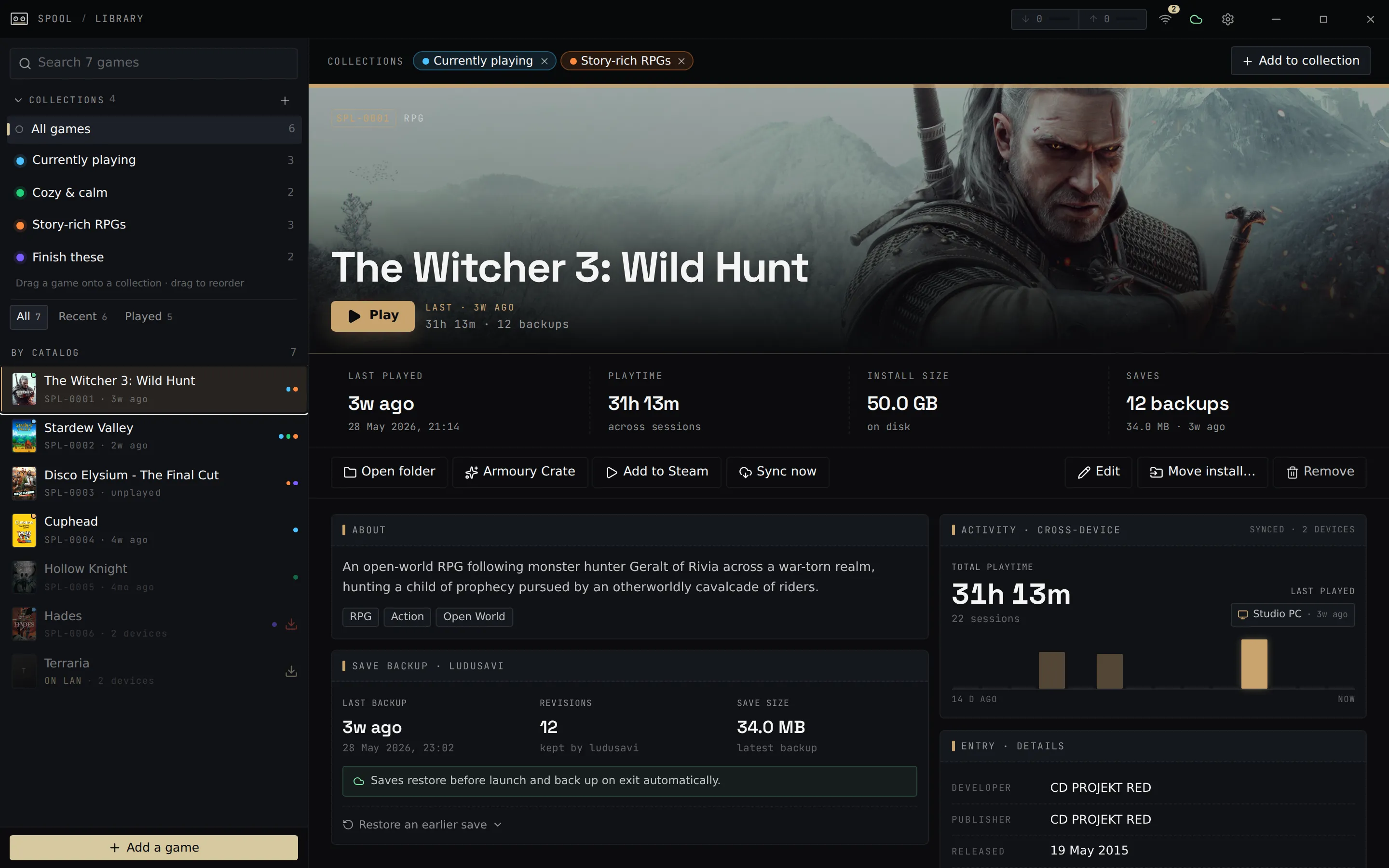
Spool launches your games and, for each session, restores your saves before play
and backs them up on exit. Moving between a desktop and a Steam Deck is painless:
your saves follow you, and you can copy game installs straight across your network.
Save sync between Deck and PC
Saves are backed up around every session and synced through any cloud
remote (Google Drive, Dropbox, OneDrive, WebDAV, and more). Stop on the
Deck, pick up on the PC. If both sides changed, Spool shows a conflict
picker instead of guessing.
Set up cloud saves →
LAN transfers
Copy game installs directly between machines on your network — no
internet, no re-downloading from the store. Transfers verify every file
and resume if interrupted.
Transfer over LAN →
Steam Deck Game Mode
A companion Decky Loader plugin brings your library, LAN transfers, and
cross-device playtime into SteamOS Game Mode — no Desktop Mode needed.
Decky plugin →
Windows + Linux
Runs on Windows and Linux handhelds (Bazzite, CachyOS, SteamOS). The
Linux build runs Windows .exe games through Proton.
Install Spool →
Developer and architecture documentation sits further down the sidebar. Start
with Getting Started to build and run the app, then
read the Architecture overview for the module map.